...every piece, properly told x
Guides
How to photograph your pieces
Better photos mean faster sales. Follow these guidelines for each type of item.
What to Photograph
Required and recommended shots
Required
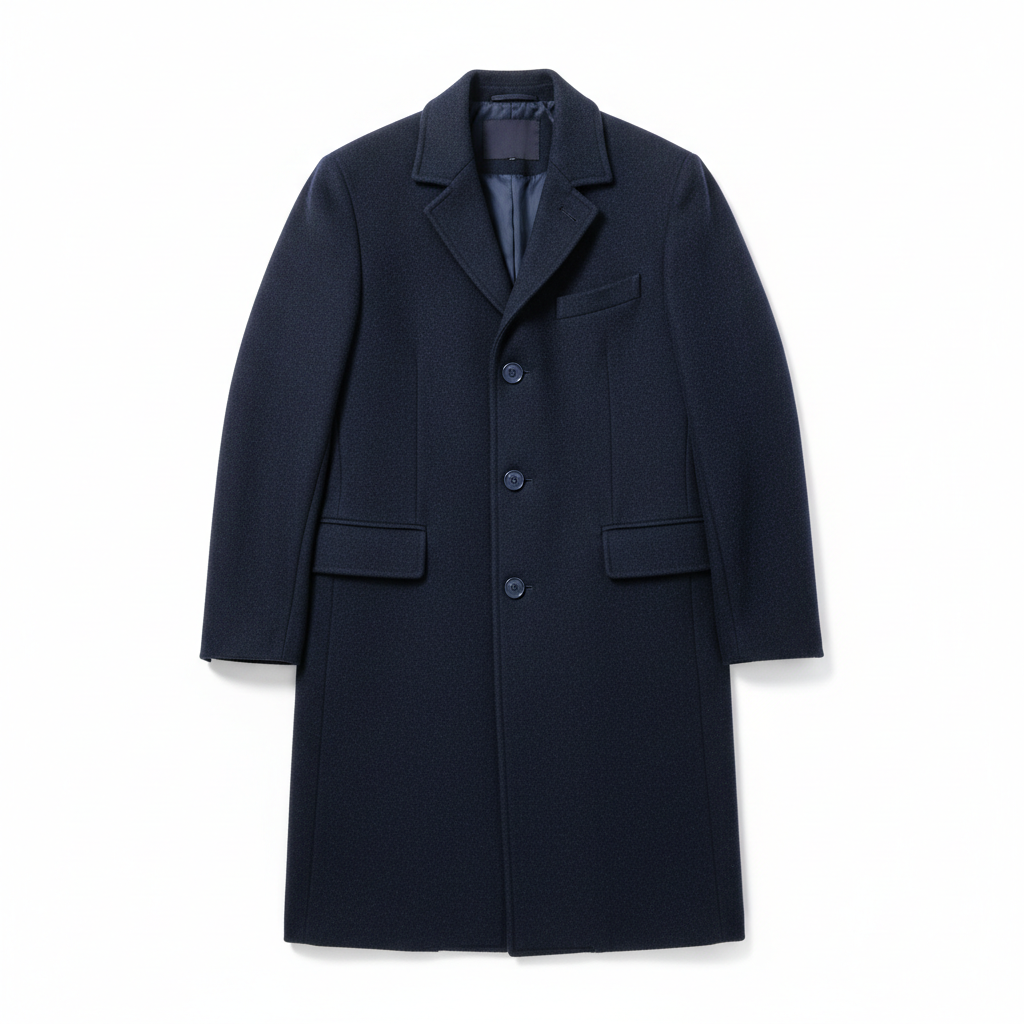
Main front-facing product shot — this becomes the cover image
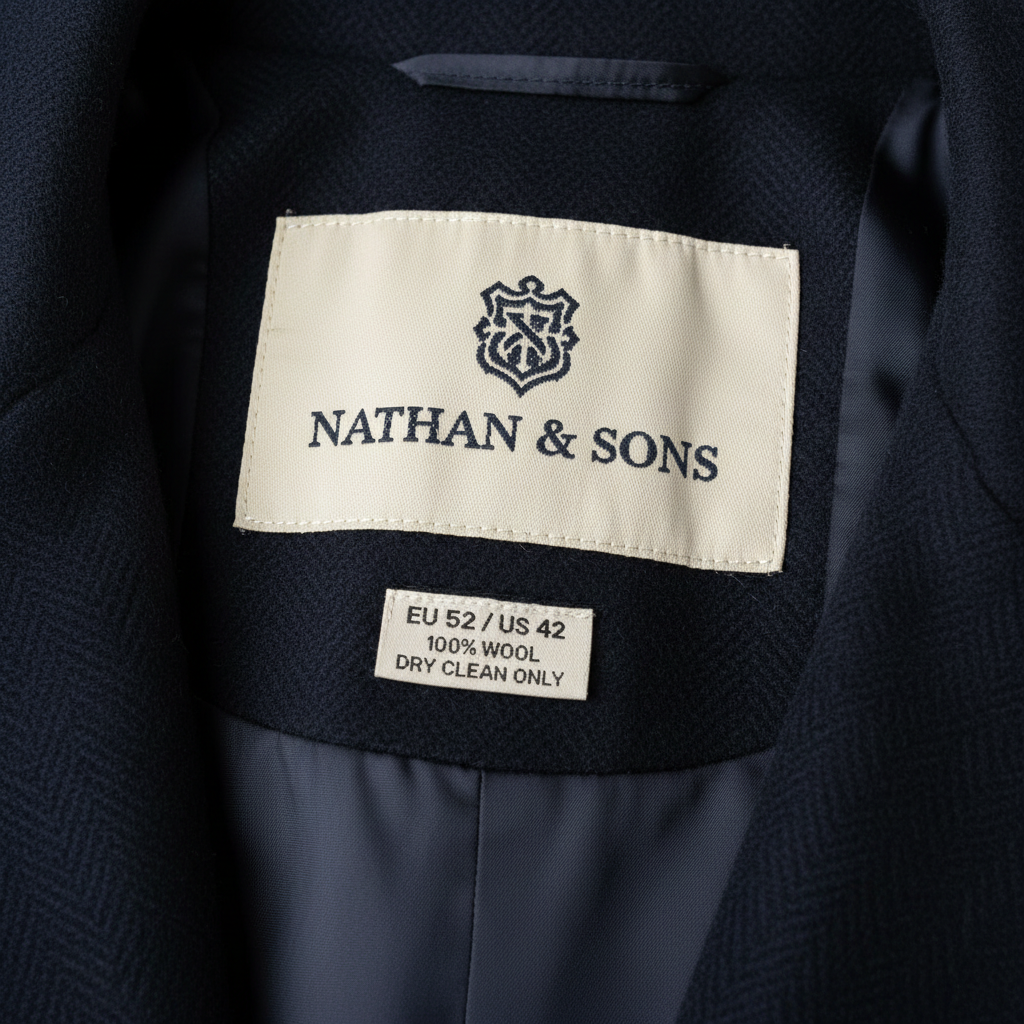
Care label, size label, or brand tag — helps Patina read size and material
Recommended
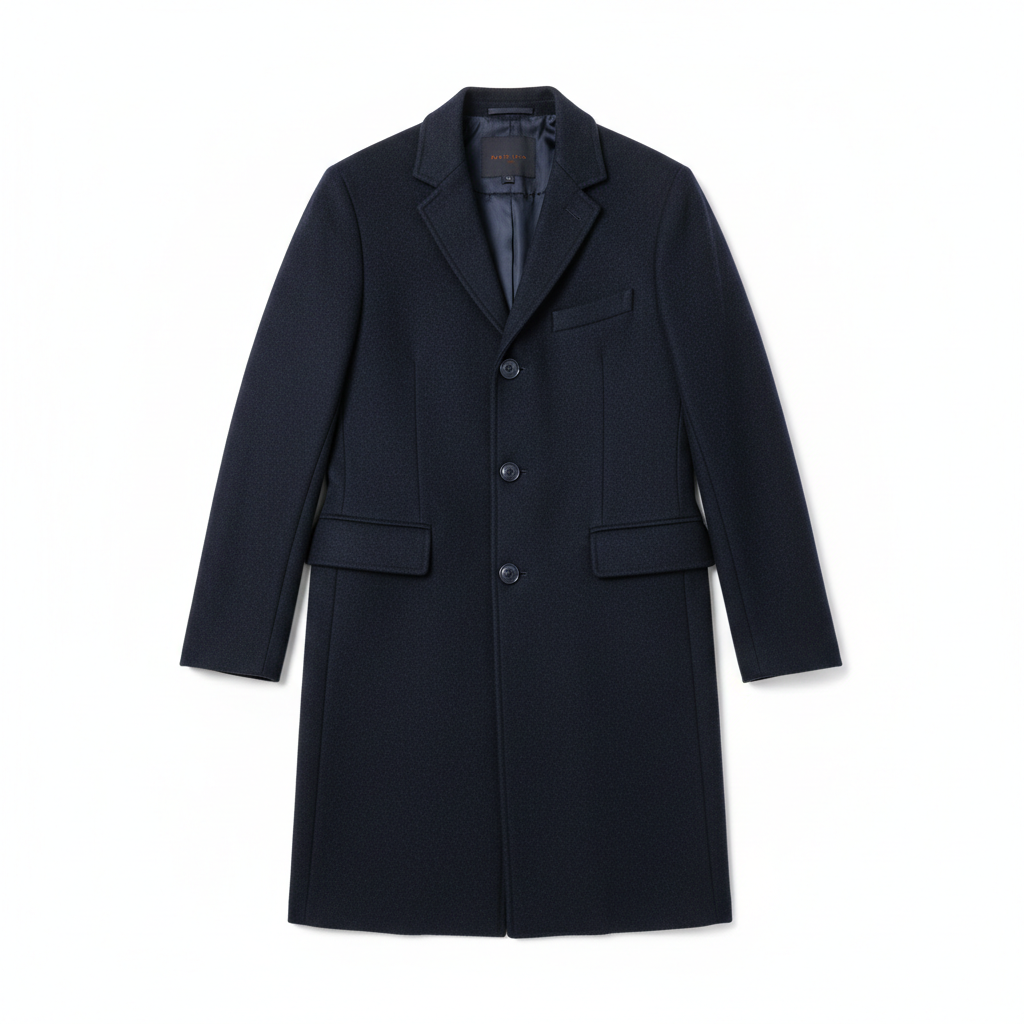
Additional front-facing photo — not the hero but shows the full product from the front
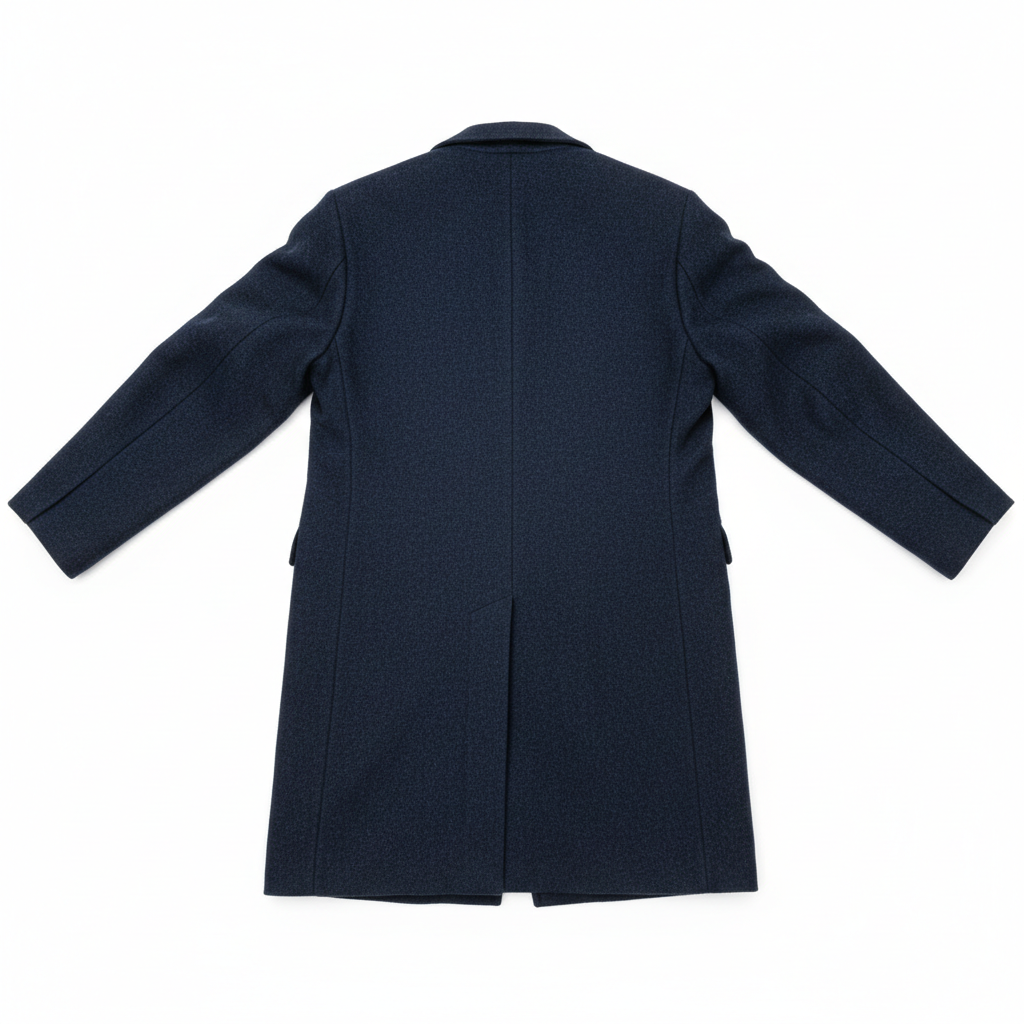
Rear view of the product
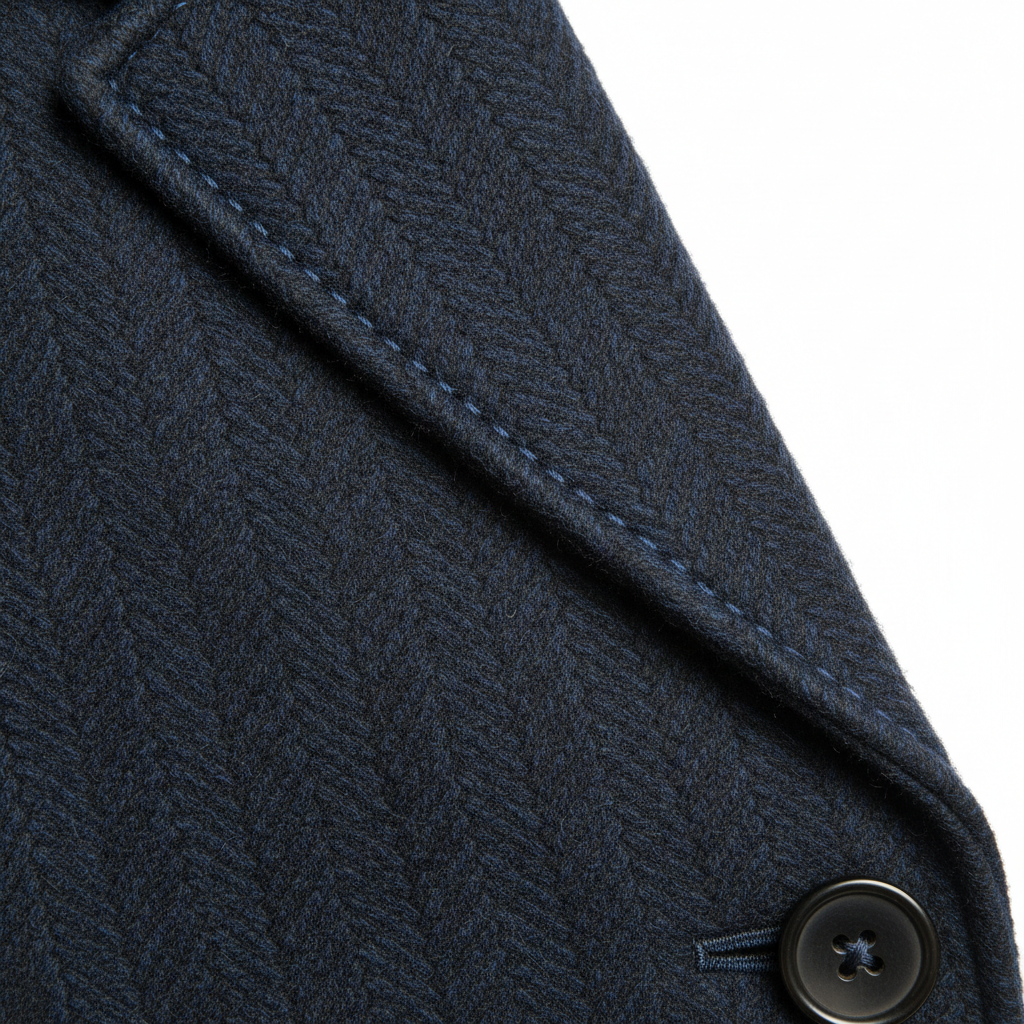
Close-up of hardware, stitching, texture, or design feature
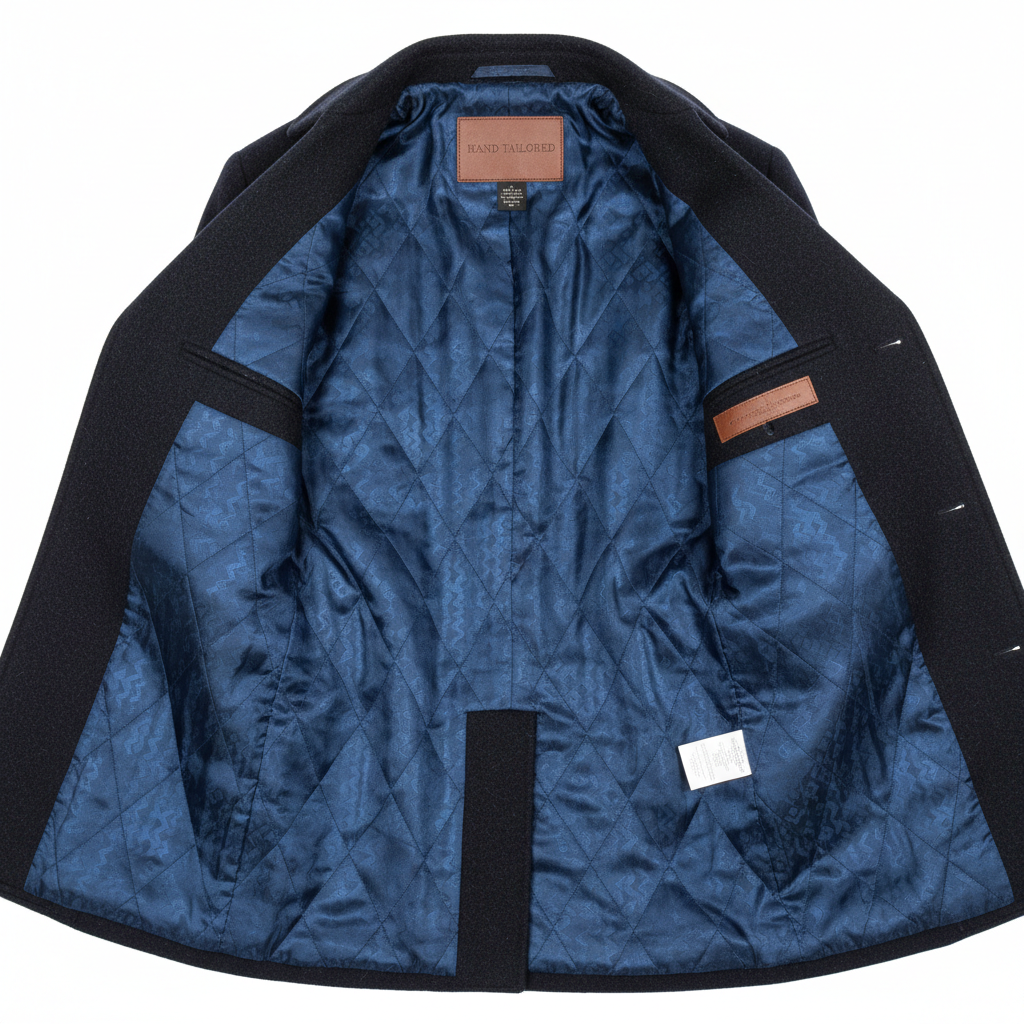
Inside lining of jacket, coat, or bag
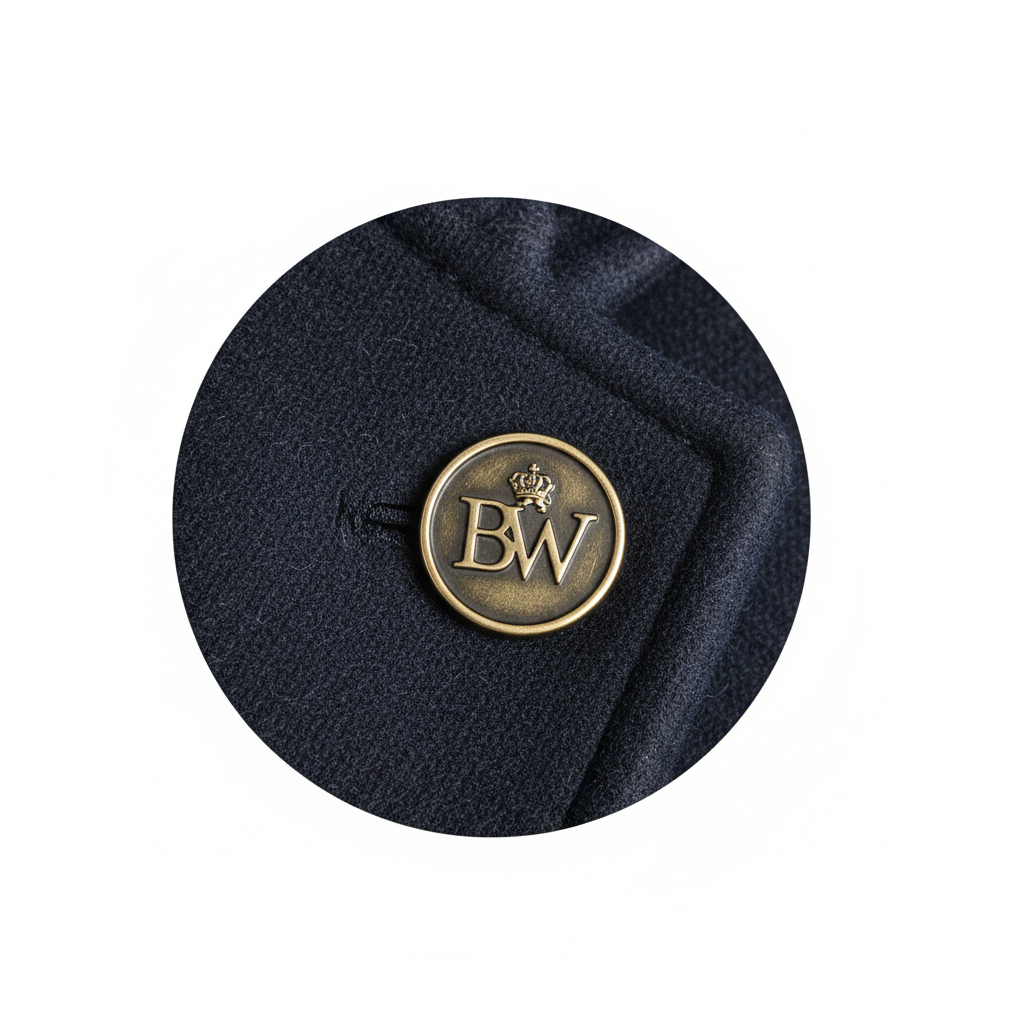
Close-up of brand logo, embossing, or branded hardware
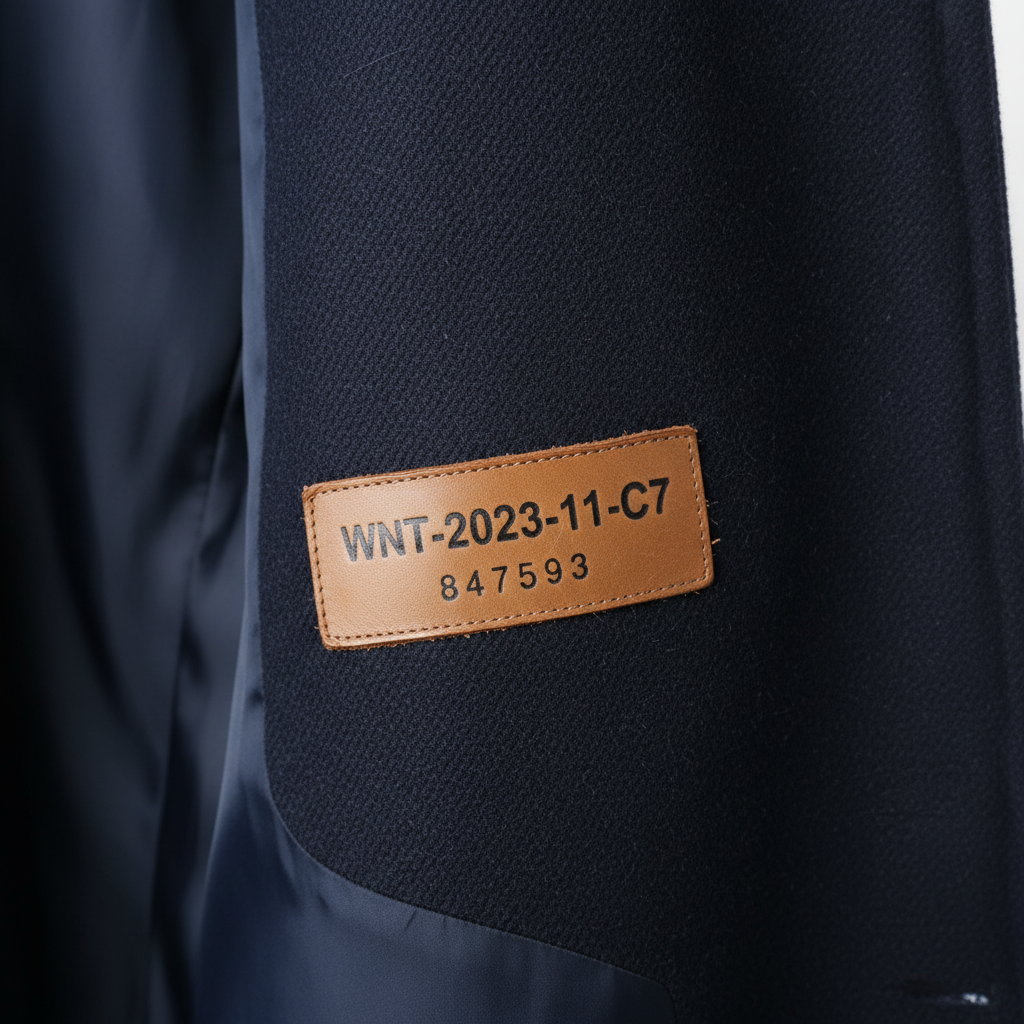
Serial number, date code, authenticity marking, or style code
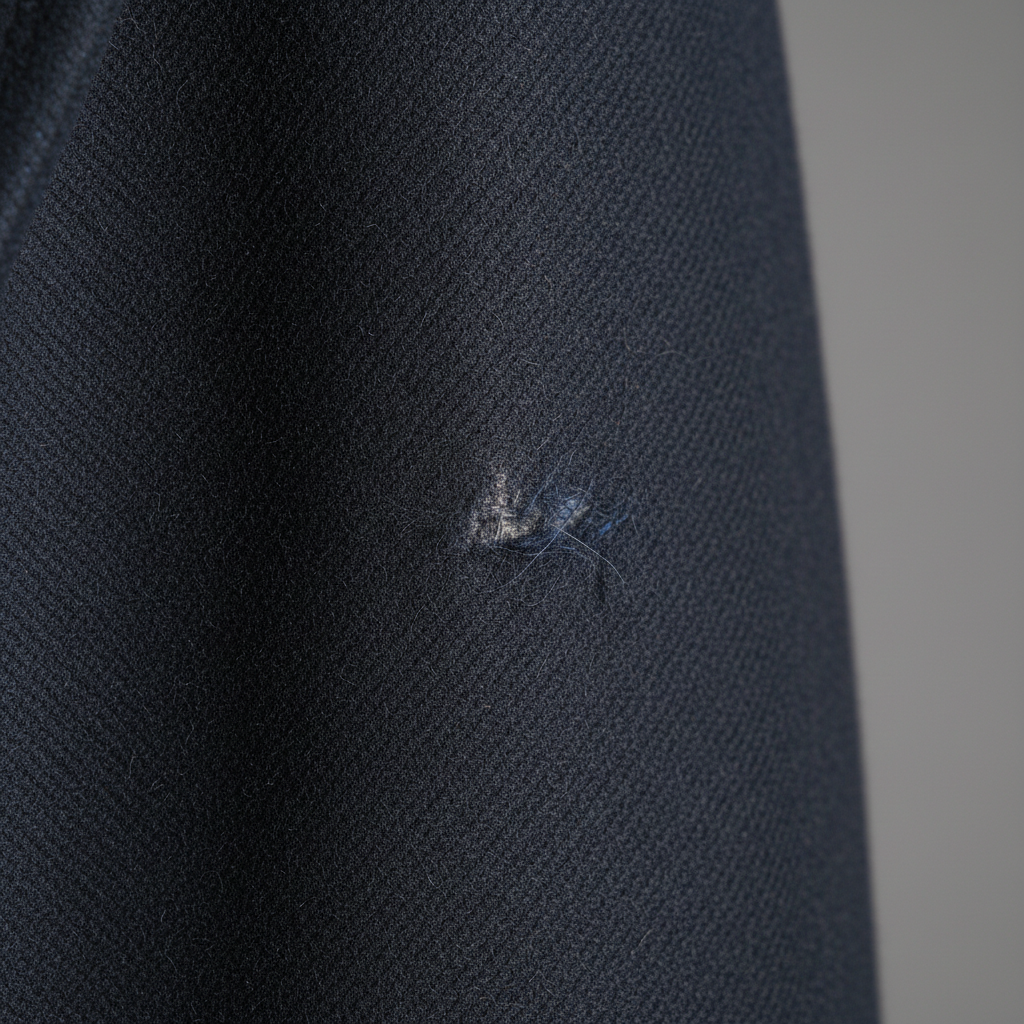
Close-up of any damage, wear, stain, or imperfection
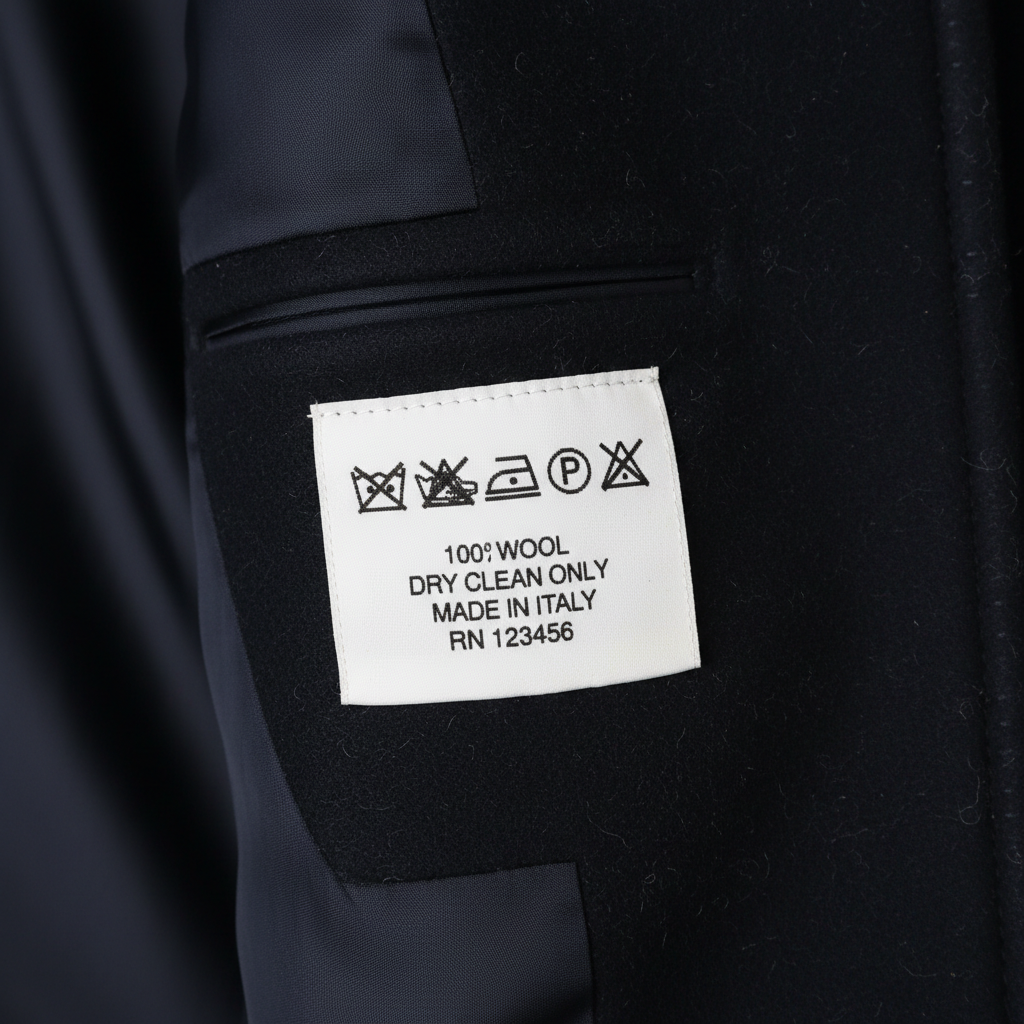
Washing/care instructions — helps Patina read material composition
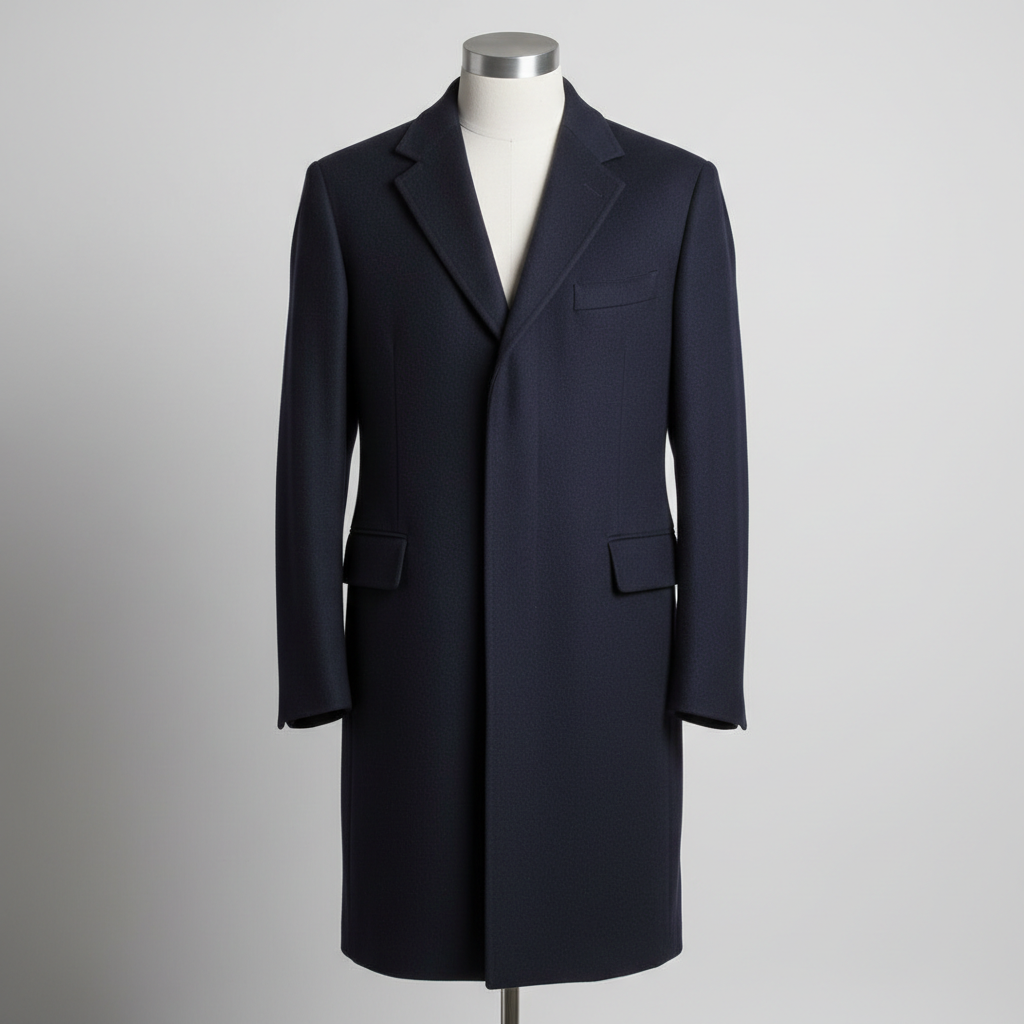
Item being worn or on a mannequin/hanger showing fit and drape
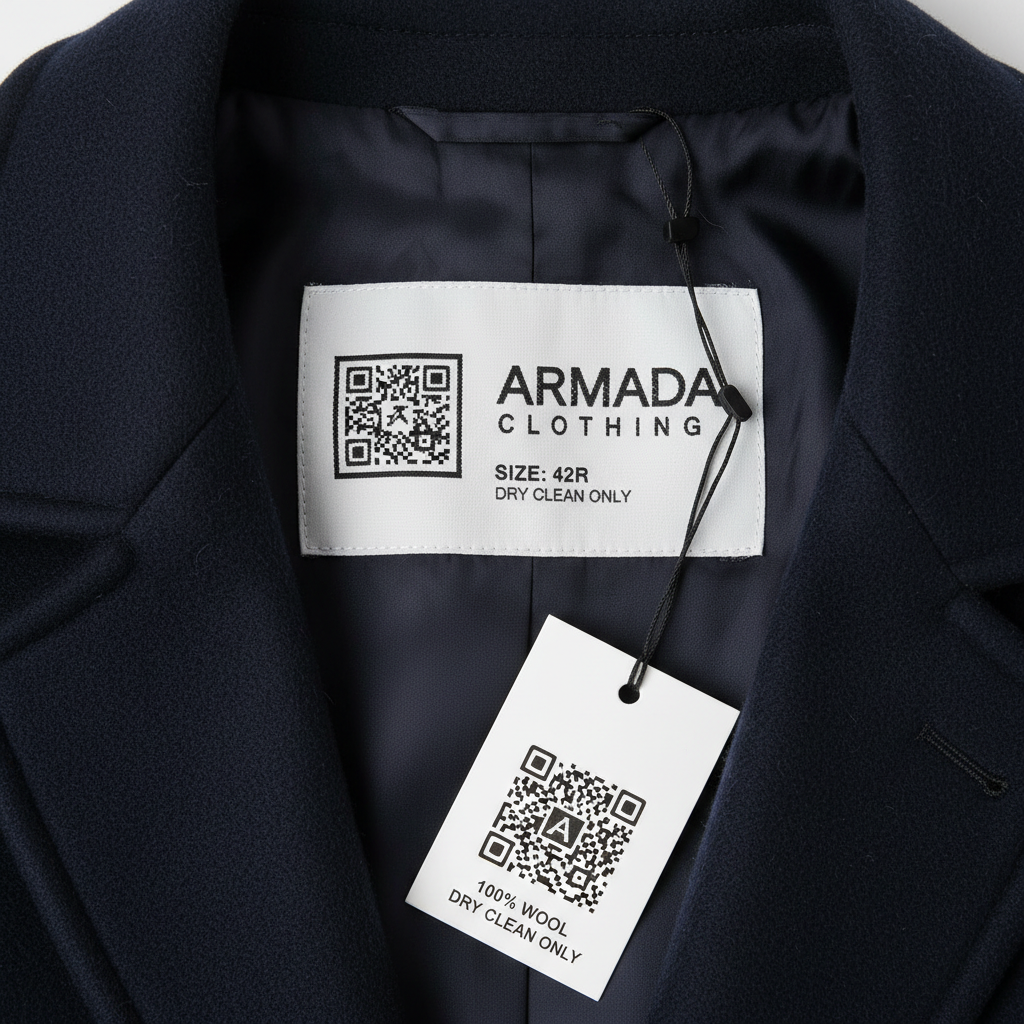
Clean extracted QR code for buyer authentication
Quick Tips
Get the best results
Use natural light
Photograph near a window during the day. Avoid direct sunlight and flash.
Clean background
A plain white or light surface works best. Avoid beds, carpets, and busy floors.
Show everything
Photograph all labels, tags, serial numbers, and any wear or damage. Honesty builds trust.
Stay steady
Rest your phone on a surface or use both hands. Blurry photos reduce your listing score.
Fill the frame
Get close enough that the item fills most of the photo, but keep the full item visible.
Cookie Policy