...every piece, properly told x
Guides
How selling on Patina works
From first photo to final sale. Here is the full process.
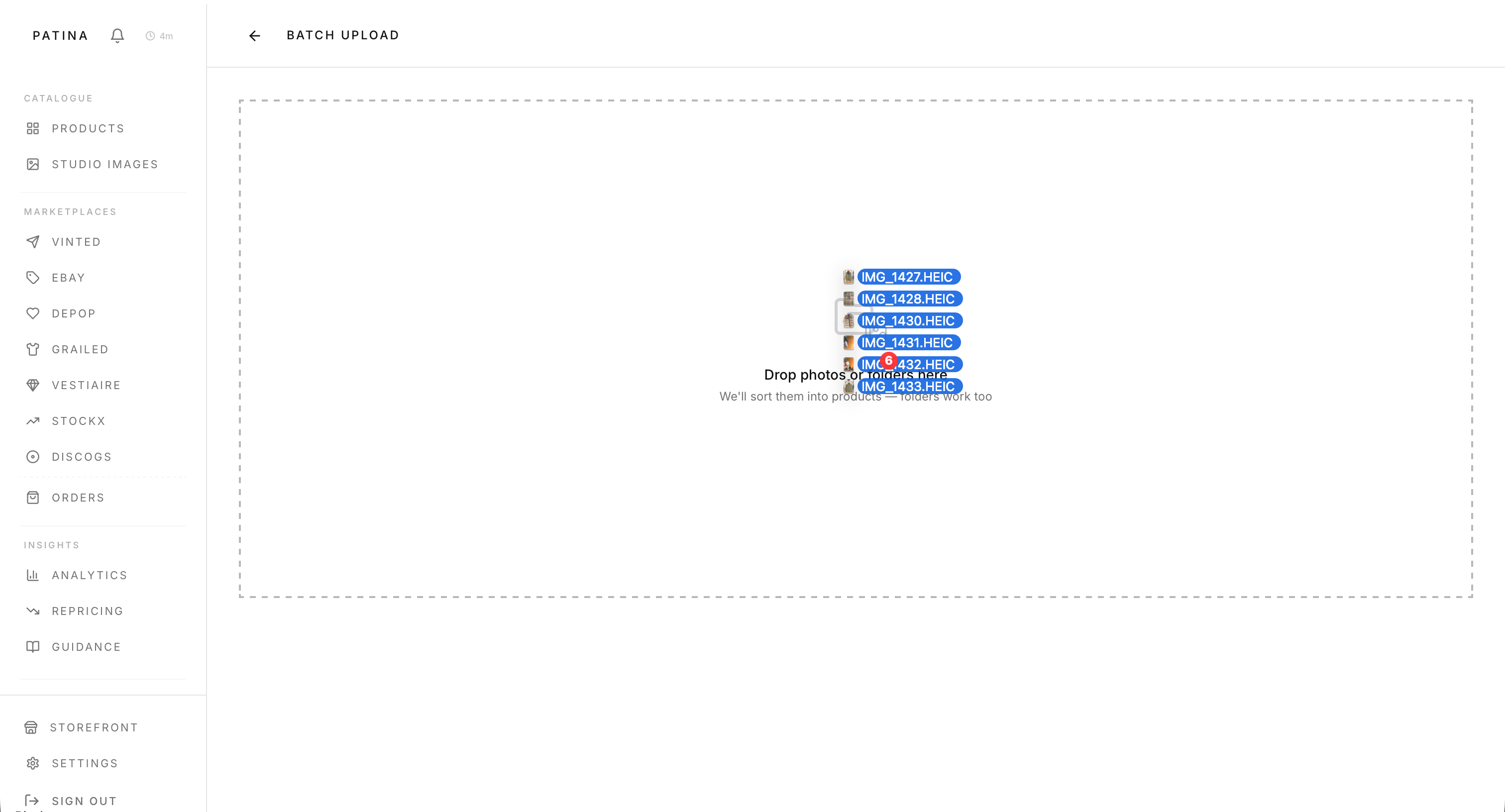
Upload Images
Upload your product photos. Minimum 3 images required. Include the care label and size label.
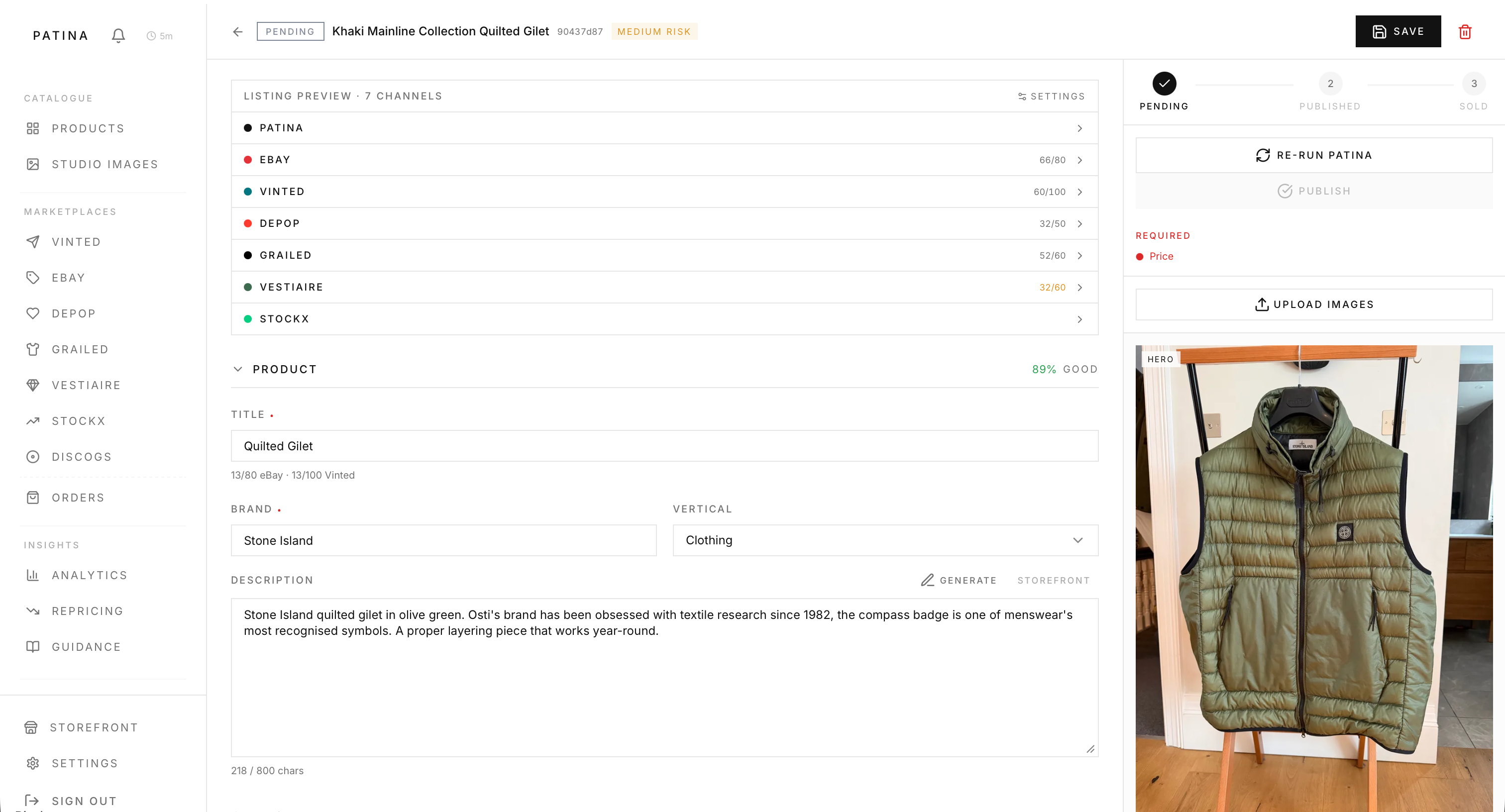
AI Enrichment
Patina analyses your images automatically, filling in brand, category, condition, and all product details.
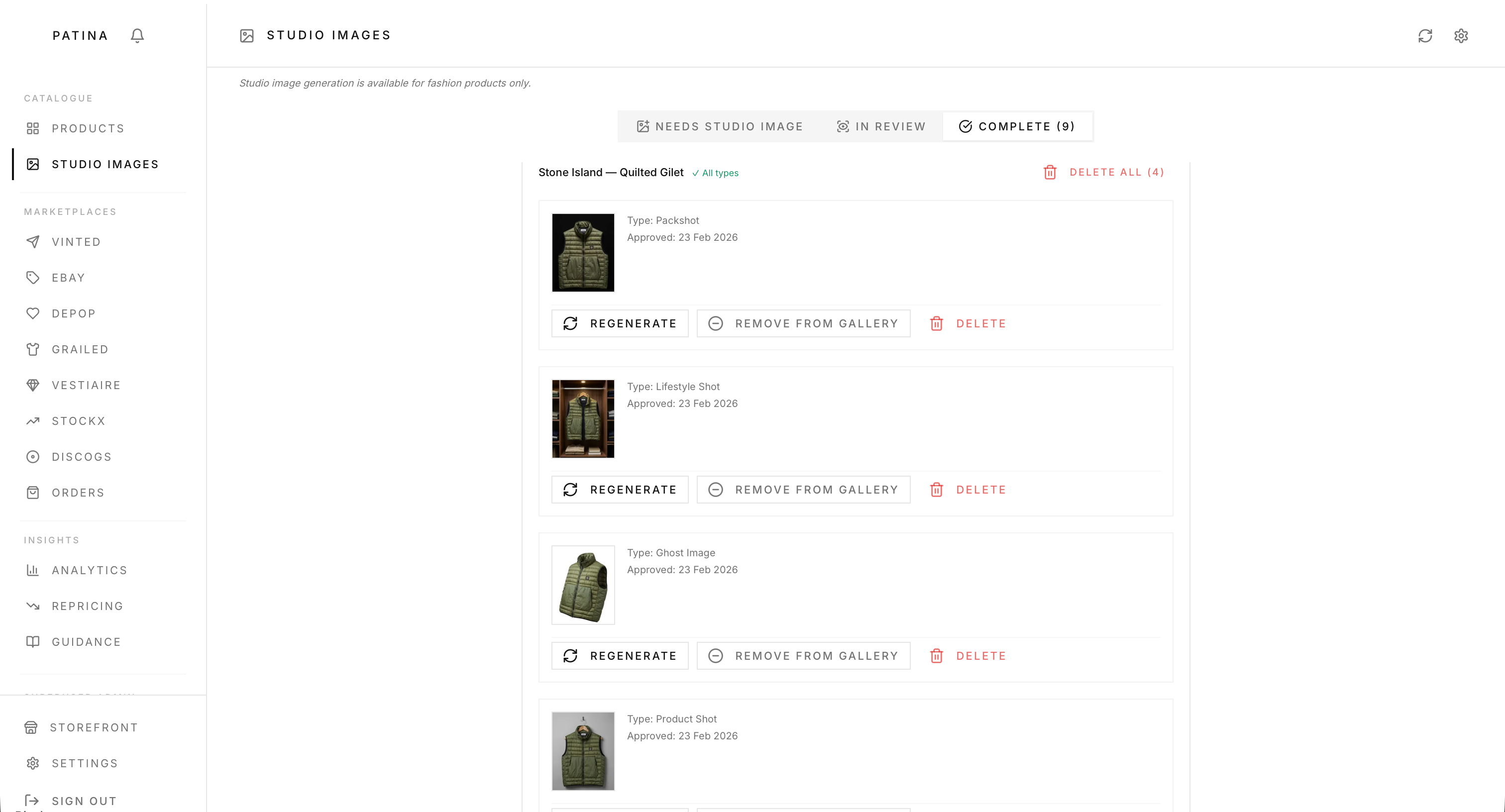
Studio Images
Patina generates professional AI studio images. The packshot is used as the hero image on your listing.
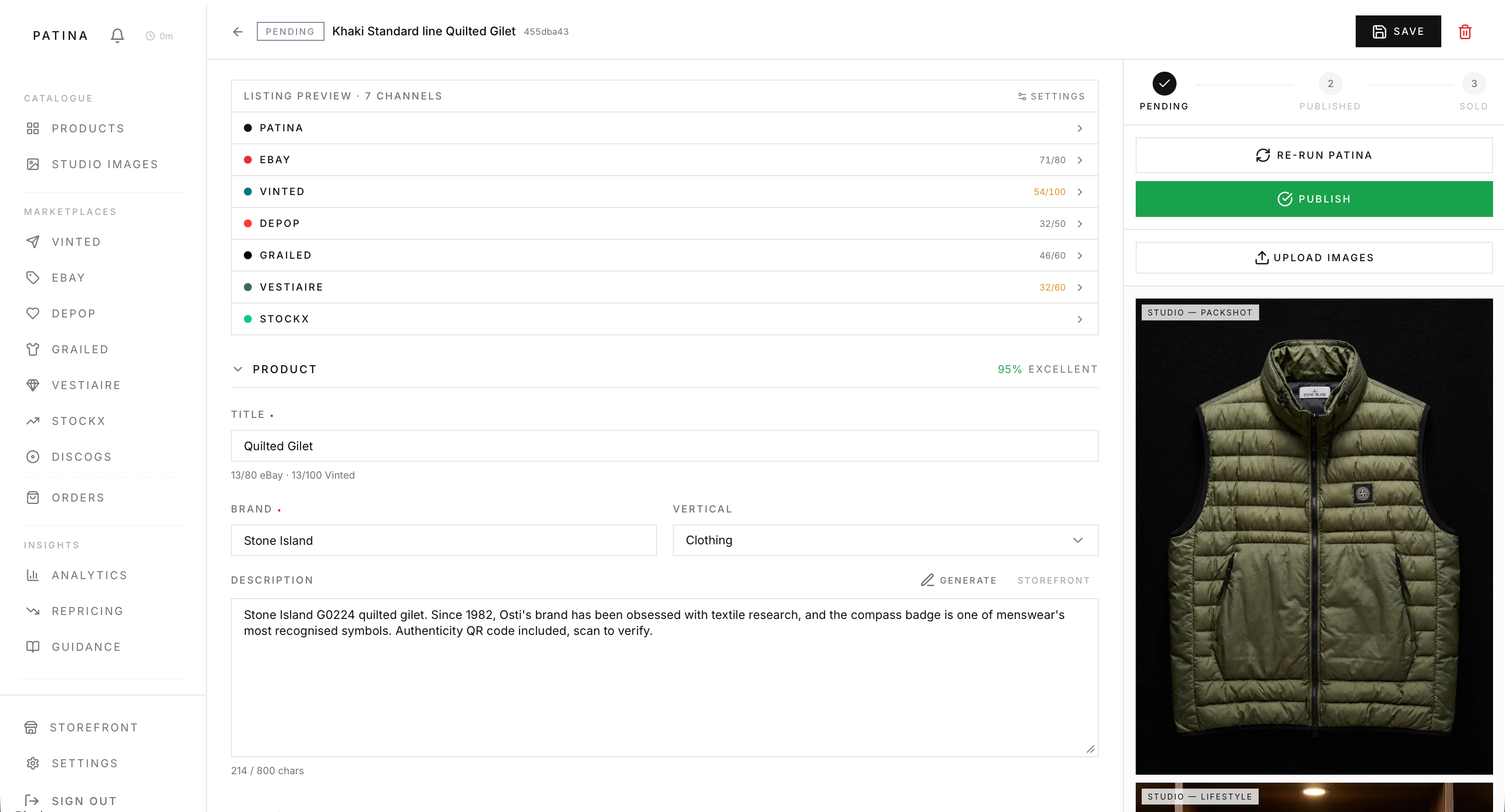
Publish
Click Publish to make your product live on the storefront and unlock marketplace listing.
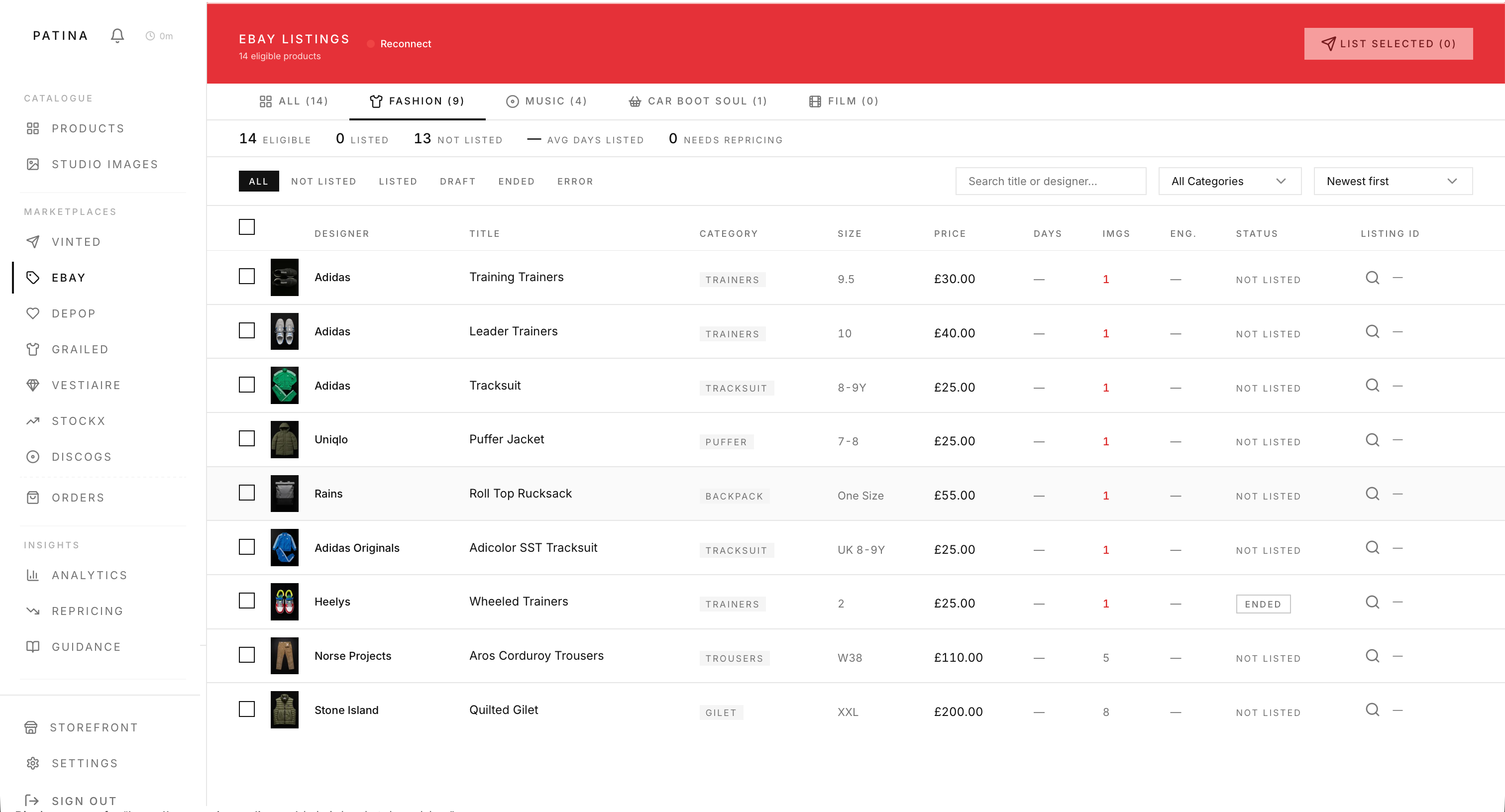
List on Marketplaces
Each marketplace gets a tailored title and description. eBay lists automatically, others are manual.
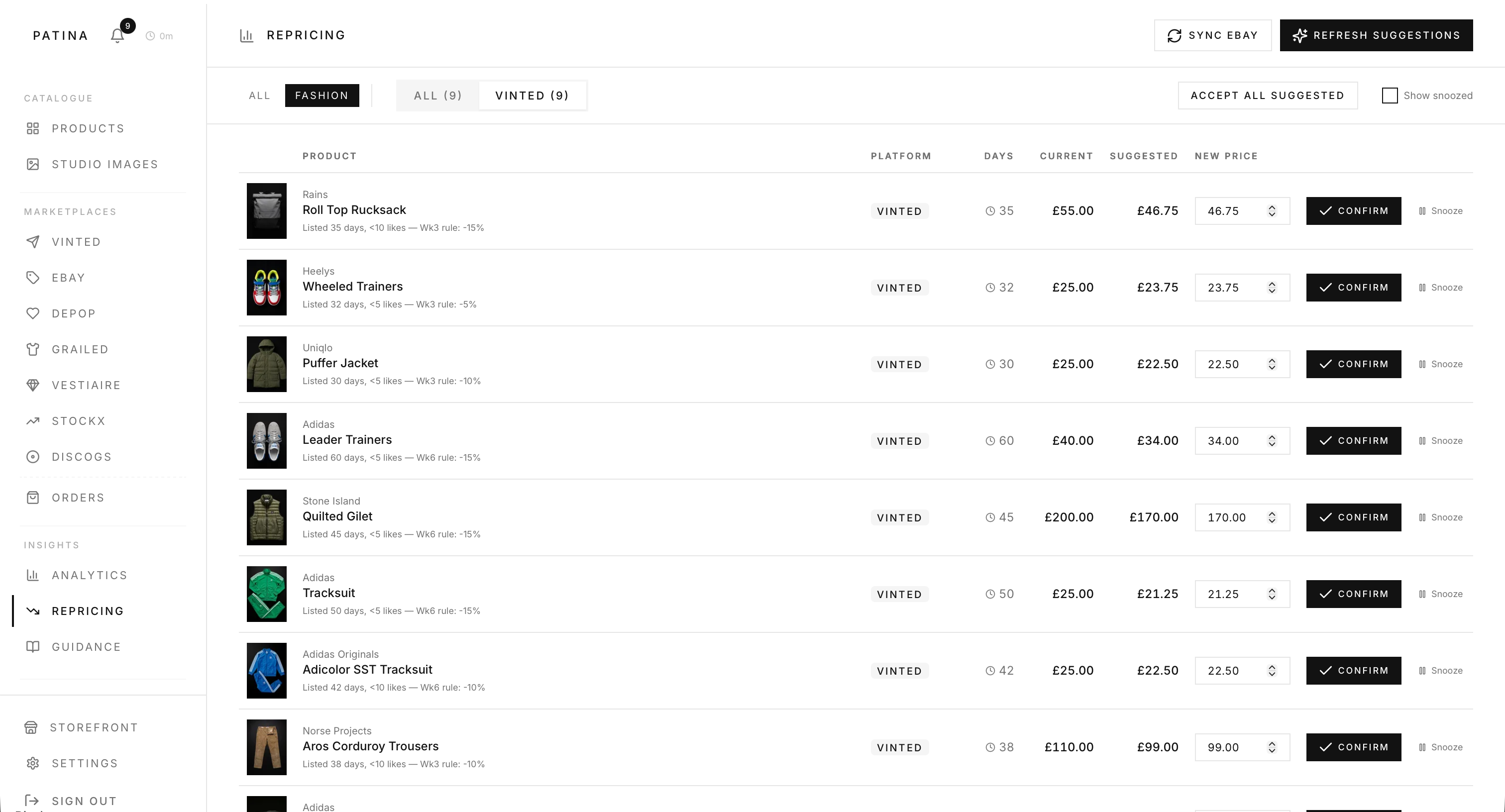
Manage Pricing
Products flagged after 28+ days. Apply repricing reductions of 10%, 15%, or 20% from the Repricing tab.
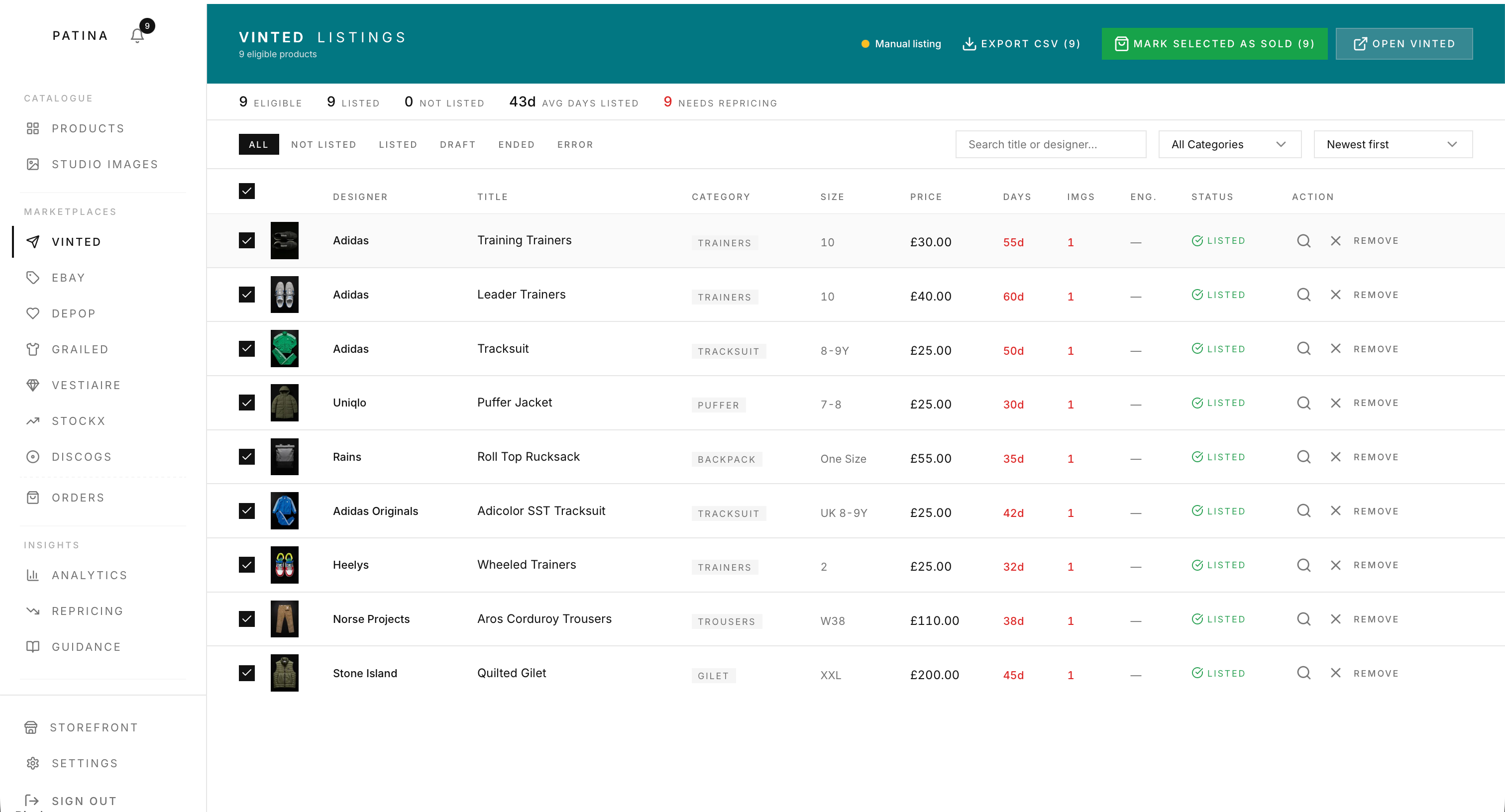
Mark as Sold
Mark as sold on your selling channel. eBay sales are detected automatically.
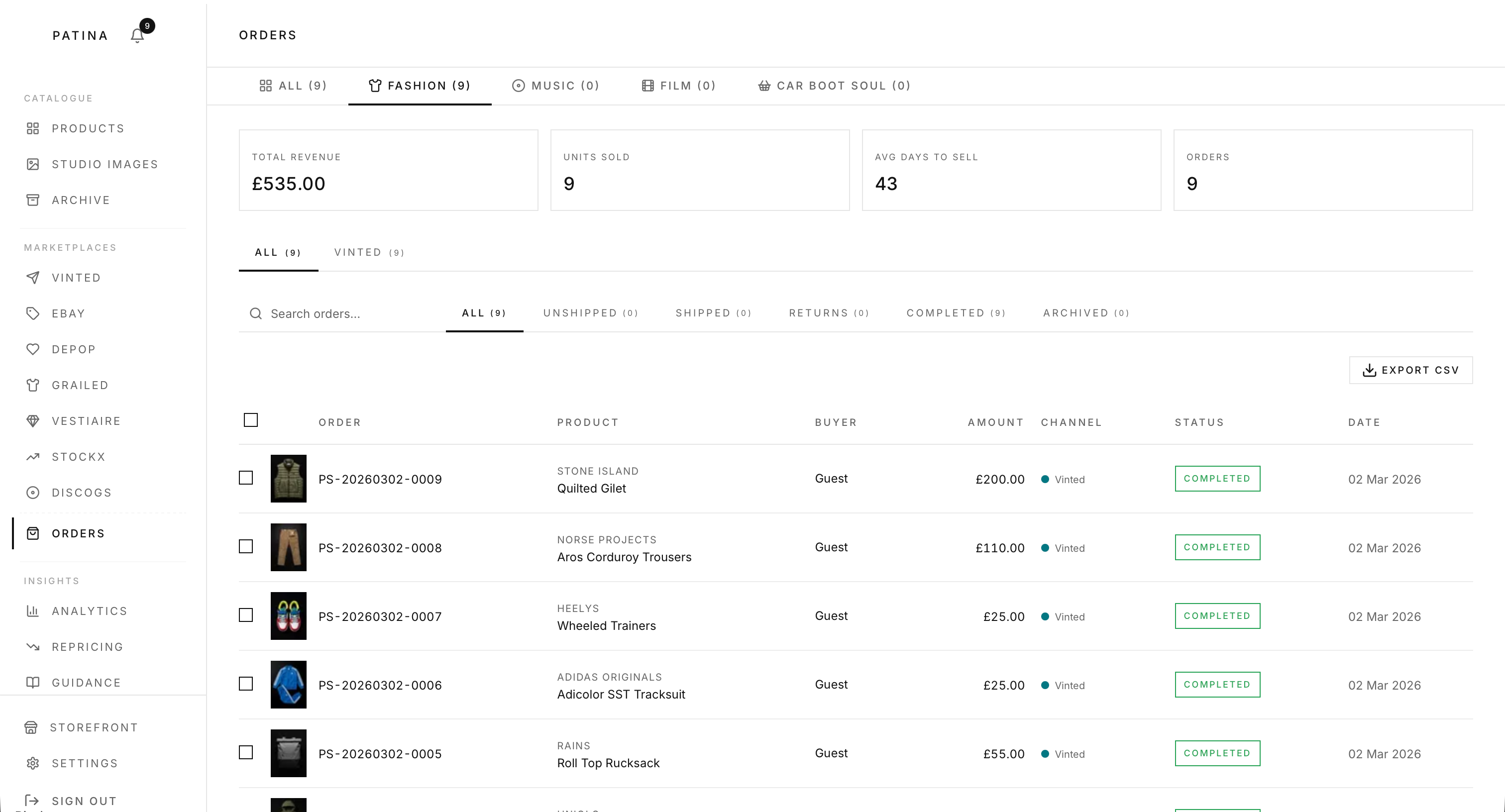
Orders
All sold products appear in Orders with price, cost, profit margin, and days to sell.
Cookie Policy